Download the tool, run it, and give us the on-screen code. The connection ends when the window is closed.
After the download opens, complete these three steps.
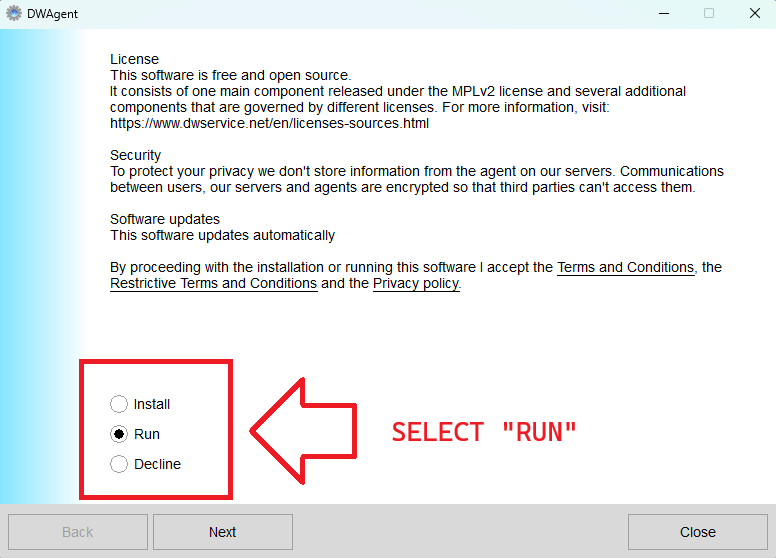
Choose Run (not Install), then click Next. Run mode installs nothing permanently.
Your computer asks "Do you want to allow this app to make changes to your device?" Click Yes to continue.
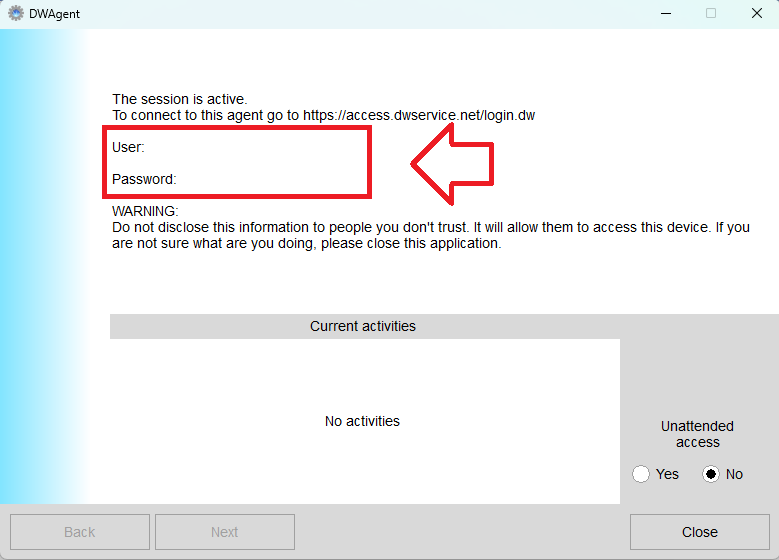
Read the User and Password (boxed in red) to the technician. Leave Unattended access set to No. Close the window to end the session.
Enter the password we provided to view the remote assistance page.